Finding Your Perfect Mac for Music and Video Production
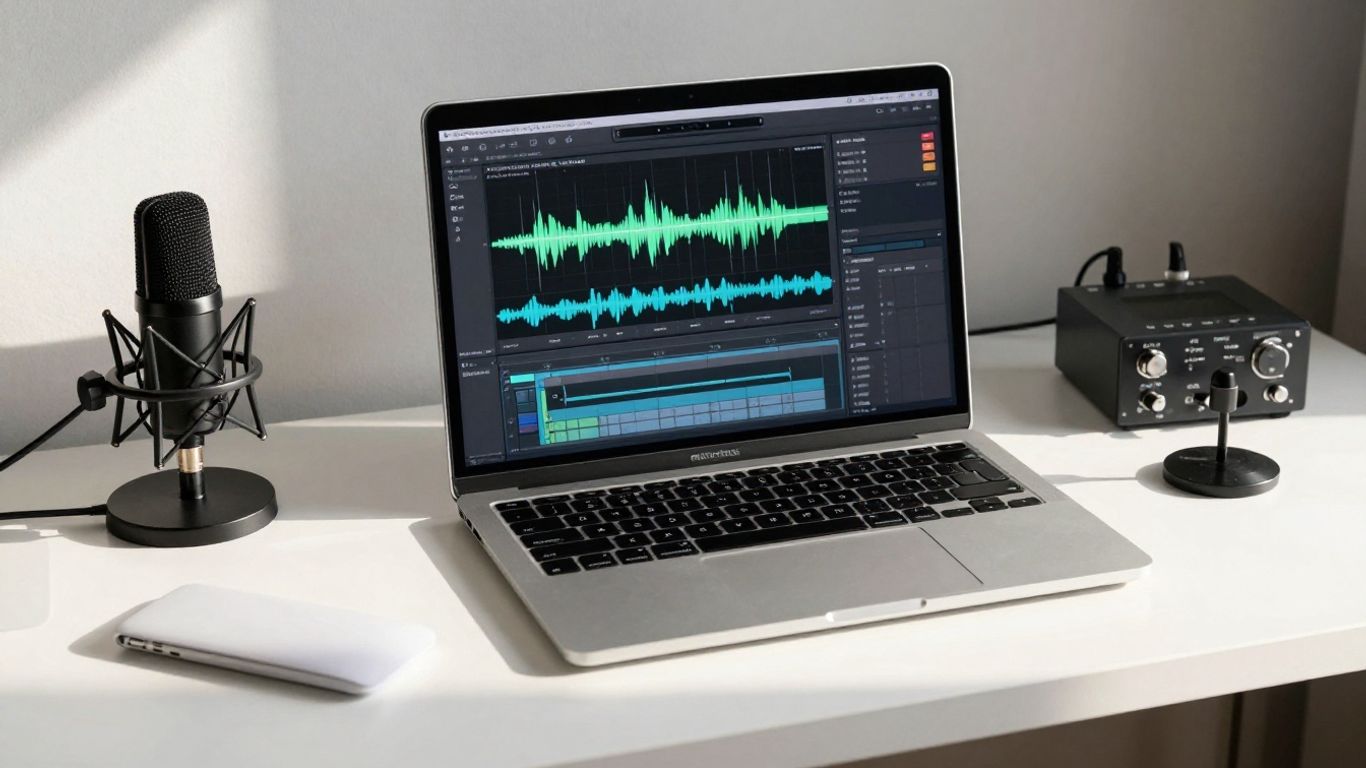
As a creator, getting the right tools for your home studio is super important. I've been using Macs for my music and video work since 2006, starting way back with GarageBand on a school computer. Over the years, I've used them to write music, edit videos, improve my YouTube channel, and manage tons of files. Whether you're using Logic, Ableton, Pro Tools, Final Cut, or DaVinci Resolve, the specs of your Mac really matter.
Understanding Mac Processor Specs
Apple's processors are named with an 'M' followed by a number indicating the generation (M1, M2, M3, M4). Within each generation, 'Pro' means more power, 'Max' adds even more, and 'Ultra' is the top-tier chip. These processors control how fast your Mac runs apps and handles background tasks. A better processor means you can do more, work faster, multitask, and export projects quicker.
- For the best performance: Go for the M4 Max chip.
- For a great budget option: The M1 Max is still fantastic and often available refurbished.
- For a powerful desktop on a budget: The M4 Pro chip is an excellent choice.
If you make music, a faster processor lets you use more effects, run plugin-heavy templates with less delay, and use lower buffer sizes. For video producers, it means working with higher-quality footage, editing multi-cam shots smoothly, rendering faster, and using more complex video effects.
How Much Storage Do You Really Need?
Storage, also known as SSD or hard drive space, is where all your apps, projects, and files live. For music production, I'd suggest at least 1 TB. If you're into video, aim for 2 to 4 TB as a minimum. I personally prefer 4 TB SSDs for most of my work.
Video files are usually much larger than music projects. For example, one YouTube video session can generate about 1.5 TB of raw footage, while a music project might only be a gigabyte. It's important to choose storage that fits your current needs and allows for future growth.
Always keep an external backup drive for all your projects and files. Whether you use Time Machine or manually copy files, having a backup is crucial to avoid losing your work. I use external SSDs for active projects and then transfer finished work to a large NAS for long-term storage.
RAM: More Than Just Memory
RAM, or Random Access Memory, is like short-term storage for your current project. Your SSD stores everything else. Things that use a lot of RAM include virtual instruments with large libraries, projects with many audio tracks, and video editing projects with lots of footage.
- Minimum for music production: 32 GB RAM.
- Minimum for video production: 48 GB RAM.
If you don't use many large sample libraries, 16 GB might be enough. Going beyond 64 GB usually doesn't offer noticeable benefits for most users.
Desktop vs. Laptop Mac
When choosing between a desktop and a laptop, consider these questions:
- How often will you travel?
- How much important work will you do on the road?
- Do your travel destinations have studio equipment, or do you need a fully mobile setup?
If portability is key, the MacBook Pro is the way to go. It has a built-in screen, keyboard, speakers, and battery, allowing you to work anywhere. It can also function like a desktop when connected to accessories.
The MacBook Pro offers a great balance of power and portability. It includes essential ports like headphone jack, HDMI, and Thunderbolt. The 16-inch model provides more screen space for apps, while the 14-inch is lighter.
If you primarily work in your studio, a Mac desktop like the Mac Mini or Mac Studio might be a better investment. You get more power and ports for the money since you're not paying for a built-in screen, battery, or keyboard. These desktops are often more affordable, more powerful, and have better cooling for sustained performance.
Essential Mac Accessories
Regardless of whether you choose a laptop or desktop, certain accessories can significantly improve your workflow.
- Keyboard: The full-size wireless Apple keyboard is excellent, especially for the extra function keys useful in music and video production. A wired version is also a good option.
- Mouse: After trying many options, a gaming mouse offers the best speed and comfort. You can often adjust its sensitivity beyond macOS limits, which is helpful for high-resolution displays.
- Display: For music-only producers, any affordable 4K HDMI monitor will work. However, if you create video content or do screen recordings, a high-quality display is vital. The Apple Studio Display offers sharp 5K resolution and accurate colors, making it ideal for video work. It connects with a single Thunderbolt cable, powering your laptop and providing extra ports.
- External Storage: Always have external SSDs for active projects and larger hard drives for backups. Brands like SanDisk and Samsung are reliable. For long-term storage, a NAS system with massive capacity is a great solution.
My Top Mac Pick
If I had to choose just one Mac for all my music and video production needs, it would be the M4 Max Mac Studio. It provides all the power, ports, and specs I need to push my creative limits, and since most of my work happens in my home studio, portability isn't a major concern. It's the ultimate machine for my workflow.
Book the Rainforest Room — vocals from $200/2hr — or send stems for our Mix service.