From Blank Session to Lo-Fi Beats: Crafting a Track from Scratch
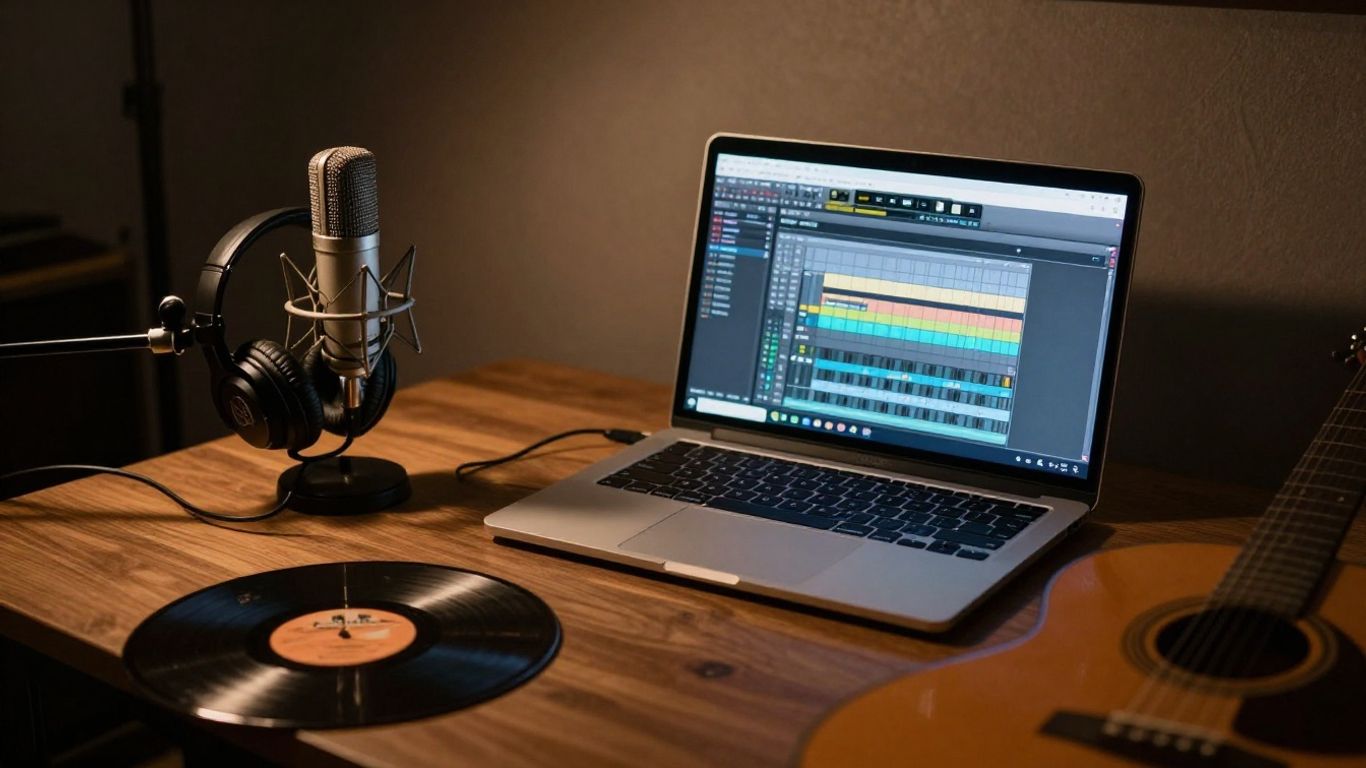
This weekend, I decided to dive into creating a lo-fi hip-hop track from the ground up. It was a journey through virtual instruments, analog synths, recording vocals, and finally mixing and mastering everything into a finished song. I'm taking you through the whole process, from setting up the studio to the final listen.
Setting Up The Studio With Audient Oria Mini
First things first, getting the studio ready. Everything is hooked up to my interface, but my speakers are connected through the new Audient ORIA Mini. This little box is a game-changer for room correction. It uses Sonarworks SoundID Reference to measure your room and flatten out the sound from your studio monitors. It’s pretty straightforward: you follow the steps in the app, measure each speaker from different spots, and after about 20 minutes, you get a custom EQ profile. You can save four of these profiles, which is super handy. I can switch between my custom profile, a Mixcube emulation, or even turn it off completely with just a button press. It really helps you trust what you’re hearing.
Building The Lo-Fi Beat
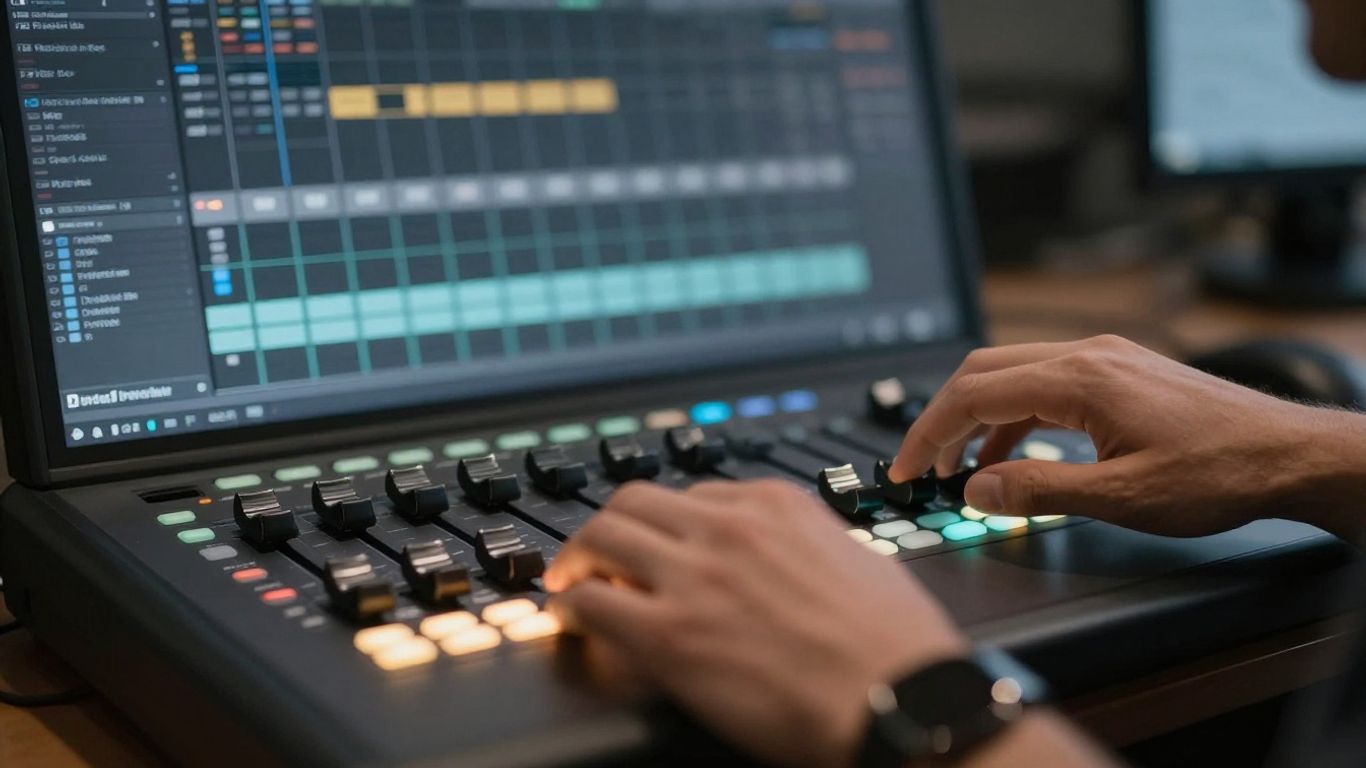
With the studio sorted, it’s time to get into Ableton 12. I set the tempo to a nice, slow 80 BPM to get that chill lo-fi vibe going. I started by browsing some lo-fi presets in EastWest Sounds OPUS for some keys. The Audient control app makes it easy to adjust the volume right from my screen. I laid down some major chords, then added RC-20 for that instant nostalgic feel. To add more depth, I layered in some textures from the EastWest lo-fi library, like a preset called ‘Nature’s Song’.
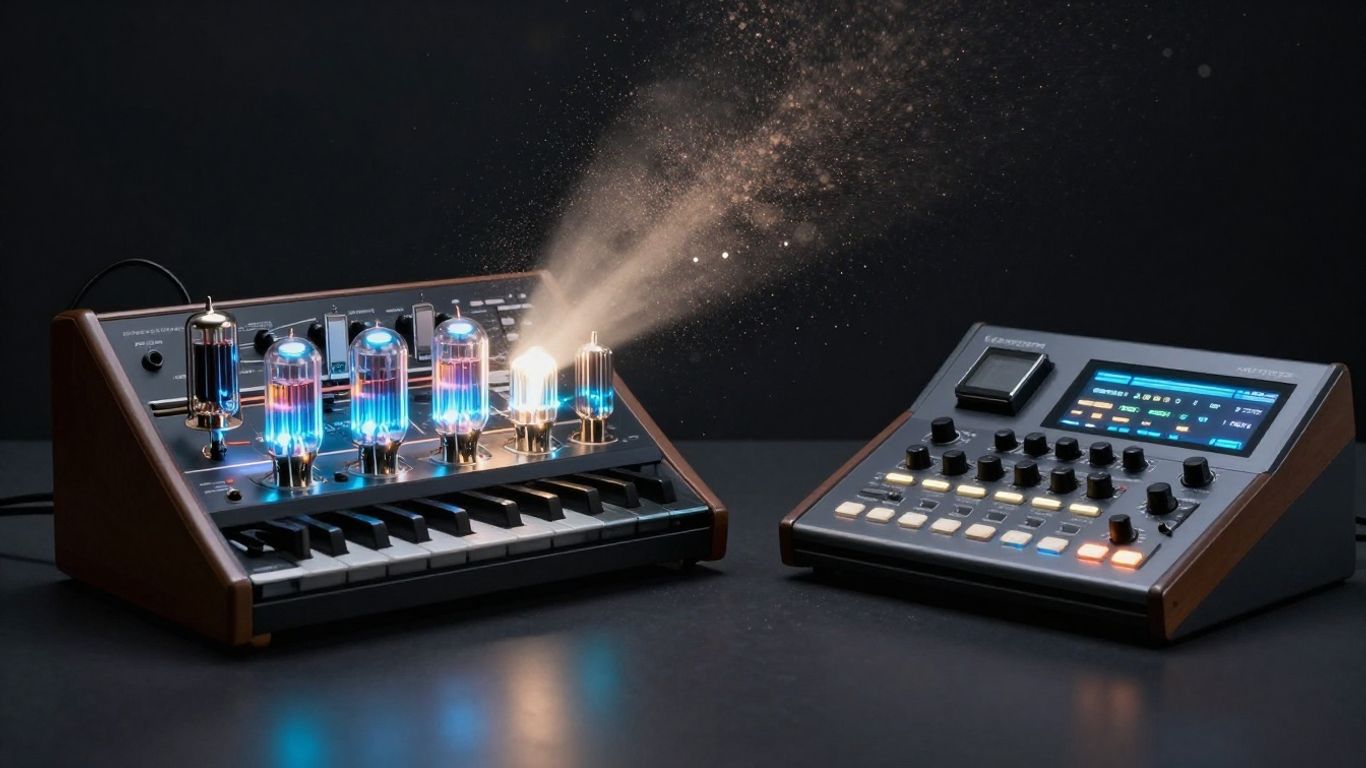
Next, I decided to bring in some classic gear. I pulled out my Roland Fantom, a digital keyboard from the early 2000s, to record a funky bassline. It’s got a massive library of instruments, though I decided to save the drums for another time. To really fill out the low end, I set up a simple sine wave in Serum and used Volume Shaper to give it some movement.
Then, I pulled out my trusty Juno-106, a classic analog synth from the 80s known for its warm sounds. After a brief, and frankly hilarious, musical interlude from my cat Missy (she’s a tough negotiator when it comes to royalties!), I recorded a simple bass pad for some width. The Juno records a bit quiet, but I can always turn it up later. I layered this with some string plucks from the Fantom, added guitar chords from Nexus processed with spring reverb, and a floating piano melody. For the drums, I searched for lo-fi loops and layered a few together to create a percussion arrangement that adds a bit of energy, especially for the chorus, without overpowering the vibe.
To check how everything was sounding, I switched to my Mixcube preset on the ORIA Mini. This makes my main speakers sound like tiny little speakers, giving me a different perspective for making mix decisions.
Key Takeaways
- Room Correction is Key: Using tools like the Audient ORIA Mini with Sonarworks SoundID Reference helps ensure you're hearing an accurate representation of your mix.
- Layering is Your Friend: Combining different instruments and sounds, from virtual synths to classic analog gear, builds a rich sonic landscape.
- Tempo Sets the Mood: A slower BPM is fundamental for that signature lo-fi feel.
- Don't Forget the Low End: Using tools like Serum and Volume Shaper helps create a solid foundation.
- Classic Gear Adds Character: Analog synths like the Juno-106 bring a unique warmth and texture.
Recording And Mixing Vocals
Now, for the vocals. To really lean into the lo-fi aesthetic, I opted for my Shure SM58, a dynamic mic that’s a legend for a reason. I used a pop filter for cleaner recordings and ran it through my analog EQ and preamp to boost the mid-range and get that organic telephone effect. I tweaked the gain and low cut to get the perfect tone. I normally don't EQ vocals this much, but I wanted a really distinct sound for this genre. I recorded the main vocal line, "Free fall. The rapid uncontrolled decline from a higher point of origin," and then some other lyrics that are a bit abstract but fit the mood. I also recorded some ad-libs and special effect vocals to add texture in the background, and even got my cat to contribute some whistling (just kidding... mostly).
If you like these vocals, you can grab them in my royalty-free vocal sample pack. It’s got wet and dry versions, organized by key and BPM. I also recorded some special effect layers that I planned to process later as instruments.
For mixing, I started with the spoken word vocals. They already sounded pretty good from the preamp and EQ, so I just added a bit of compression, a de-esser, and some effects for echo, reverb, and stereo width.
For the singing, I used Auto-Tune, compression, multi-band compression, and some stock reverb and echo from Ableton. Then, I took those special effect vocals and used a plugin called AlterBoy to bend the formants down, added some drive and filtering, and turned them into a cool, heavenly lo-fi vocal sample. You can use my wet or dry versions from the sample pack if you want to try it yourself.
Mastering The Track
With the beat finalized and vocals mixed, it’s time to bring everything together with mastering. Ozone 12 has become my go-to for this. I even have a preset called ‘Kara for Ozone’ that you can get on my website. It has my favorite settings for EQ, dynamics, low end, limiting, and more. I like to go through each module to make sure the levels are right and fine-tune things. For the final maximizer, lo-fi hip-hop doesn't need to be super loud, but I still want to make sure it’s hitting the right loudness with some light limiting.
Using the Audient ORIA Mini during this process really helps me trust the sound. It handles the Sonarworks correction profiles so my computer doesn't have to, and it has a dedicated subwoofer output, making it easier to get the low end just right. Plus, controlling the room correction and speaker emulations is super convenient.
And that’s it! We’ve produced, recorded, and mixed a lo-fi hip-hop song from start to finish. If you want to learn more about the Audient ORIA Mini, Sonarworks, or my sample packs, check the links in the description. You can also find links to videos about room correction and follow me on Instagram and TikTok for behind-the-scenes content.
Book the Rainforest Room — vocals from $200/2hr — or send stems for our Mix service.