My Ultimate Mobile Studio Setup: Record Vocals Anywhere!
Ever feel like your vocals sound a bit thin, or maybe too sibilant, or those doubled vocals just aren't sitting right? I've been there. It's frustrating when you're trying to get that perfect take, but your sound just isn't cooperating. That's why I've put together my go-to mobile studio setup. It's all about getting great vocal recordings, making beats, and mixing, no matter where I am. The best part? Everything fits into a backpack, so you can take your studio on the road.
Building Your Portable Studio
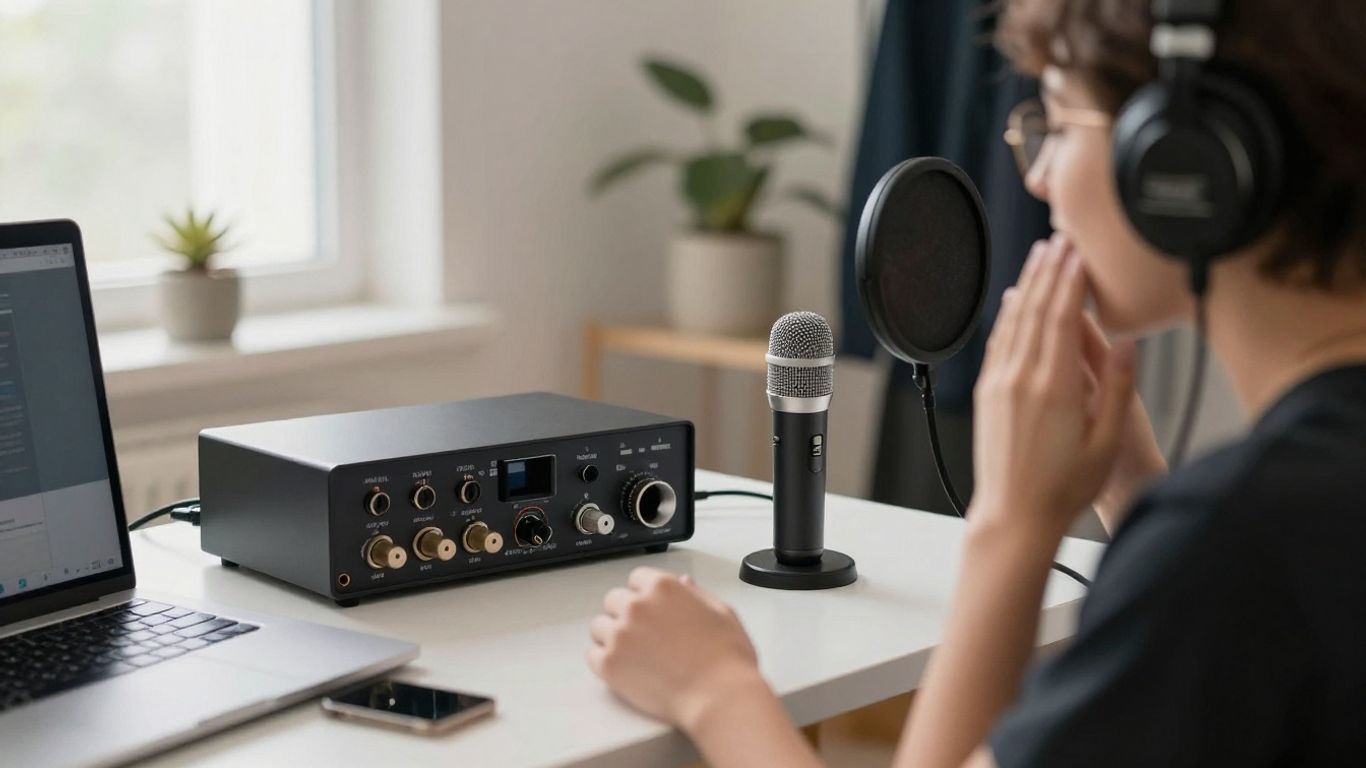
First things first, you need a solid bag to carry everything. I use my Langly Sierra camera bag. It’s got great padding and fits my 16-inch MacBook Pro perfectly. Inside, there’s plenty of room for my Focusrite Scarlett 2i2 audio interface. This little guy sounds amazing for vocals and has outputs for speakers. I also pack a Caldigit Essentials Hub because you can never have too many ports.
Key Takeaways
- Portability is Key: All the gear fits into a backpack for easy travel.
- Sound Quality Matters: Don't sacrifice sound for portability; this setup proves you can have both.
- Versatility: Suitable for recording vocals, producing beats, and mixing.
- ARC ON•EAR is a Game Changer: Provides headphone correction and room emulation for accurate monitoring anywhere.
The Heart of the Mobile Setup: ARC ON•EAR
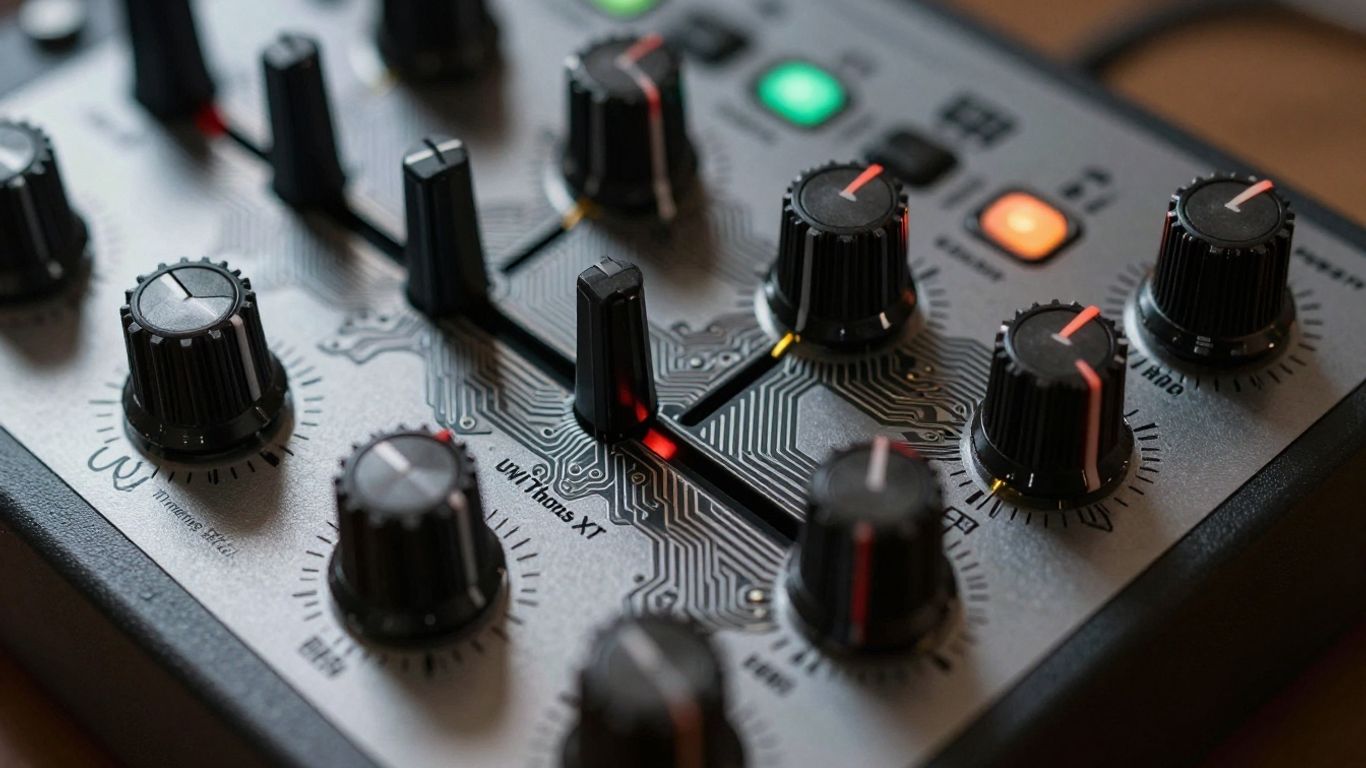
This is where things get really interesting. I use ARC ON•EAR by IK Multimedia. It’s a small, battery-powered device that works with software to fix your headphone sound. It makes any headphones sound like studio monitors, giving you a true studio feel wherever you are. It even emulates different studio rooms. You can load presets for your specific headphones, and it has a built-in battery, so no need to be plugged into your computer.
My headphones of choice are the Audio Technica ATH M50X, and there’s a preset for them in the ARC software. The audio interface connects to ARC ON•EAR, which then sends the corrected sound to my headphones. It’s super low latency, which is great for recording.
Recording Vocals On The Go
For MIDI control, I use the Akai MPK Mini MKIV. It’s small and fits anywhere. My microphone is the Neumann TLM49. It’s a bit heavier, but the sound is worth it. I put it on a simple InnoGear desktop stand with a Shure Popper Stopper to catch any plosives. Setting the gain is straightforward, and then it’s time for warm-ups.
And of course, you need studio monitors. I’m using the IK Multimedia iLoud MTM MKII monitors. They sound huge for their size and have built-in room correction. They also work with ARC technology, so you get a flat response no matter the room.
Setting Up ARC ON•EAR
Connecting ARC ON•EAR to your computer via USB opens up the app. Here, you can pick your headphones from a big list and choose your favorite studio monitor emulation. You can even adjust the room size and stereo width. You can save up to five presets directly to the ARC ON•EAR device, so you’re ready to go without the app.
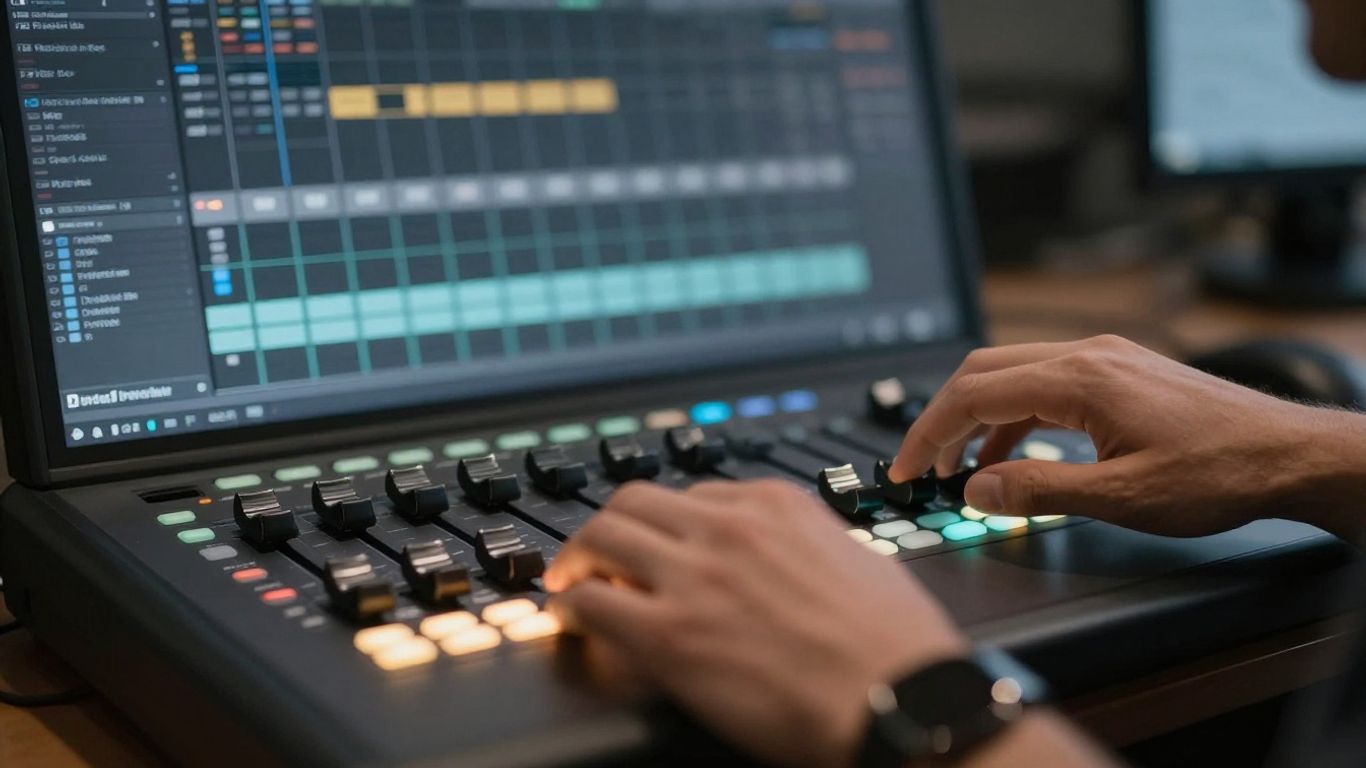
For recording, I use my own vocal template in ProTools, which sets up all my tracks and buses. I replace the stock plugins with IK Multimedia T-RackS plugins because they sound much better. My beat is set to 160 BPM, and it’s time to lay down some vocals.
I start with the lead vocals for the verse and chorus. Then, I record doubles, panning them left and right. I also add high and low octaves to make the vocals sound thicker. Finally, I add harmony layers and ad-libs to give the track that extra flavor. The low latency from ARC ON•EAR makes it easy to hear my mix clearly while recording.
Mixing Your Mobile Recordings
After editing and cleaning up the vocals, it’s time for the plugin chains. On individual tracks, I use the new Auto-Tune 2026 for a natural sound. The real magic happens on the buses. My lead vocal bus uses a T-RackS preset called ‘Female Lead Vocal,’ which is close to my studio chain. For the doubles bus, I use a stereo instance of T-RackS 6 with a ‘Backing Vocals Widener’ preset, adding saturation, tape echo, and width.
My background vocals bus uses a ‘Breathy Background Vocals’ preset with saturation, tape echo, and reverb. For ad-libs, I use an SSL-style EQ on the T-RackS bus. All vocals are sent to reverb and delay aux tracks. Using ARC ON•EAR while mixing lets me switch between speaker emulations and check my mix on different virtual systems, giving me more confidence.
Mastering and Final Results
For mastering, T-RackS is fantastic. I use Master Match X to quickly create a master chain. It analyzes the mix and creates a custom chain based on genre presets. I usually reduce the input gain a bit for headroom. This plugin automatically adjusts EQ and dynamics for a loud and clear master. You can even see your stereo width and loudness in real-time.
So, that’s my mobile studio setup. With ARC ON•EAR, I can get great-sounding vocals anywhere. If you want to learn more about the gear or how ARC ON•EAR can help your sound, check the links below. You can also follow me on Instagram and TikTok for more behind-the-scenes content.
Book the Rainforest Room — vocals from $200/2hr — or send stems for our Mix service.