Producing better tracks: Getting hands-on with the AKAI MPK Mini MKIV
Ever listen to your own vocals and feel like they’re just... thin? Maybe you’re dealing with harsh sibilance that cuts your ears, or your doubles just aren't hitting with any weight. We see it all the time here at Paradise Studios. Often, the fix isn't just a fancy EQ; it's about the bed of sound you create for your voice to sit on. If your backing beat lacks energy, your vocals naturally feel weak. That is why having the right controller at your fingertips makes a world of difference.
Key takeaways
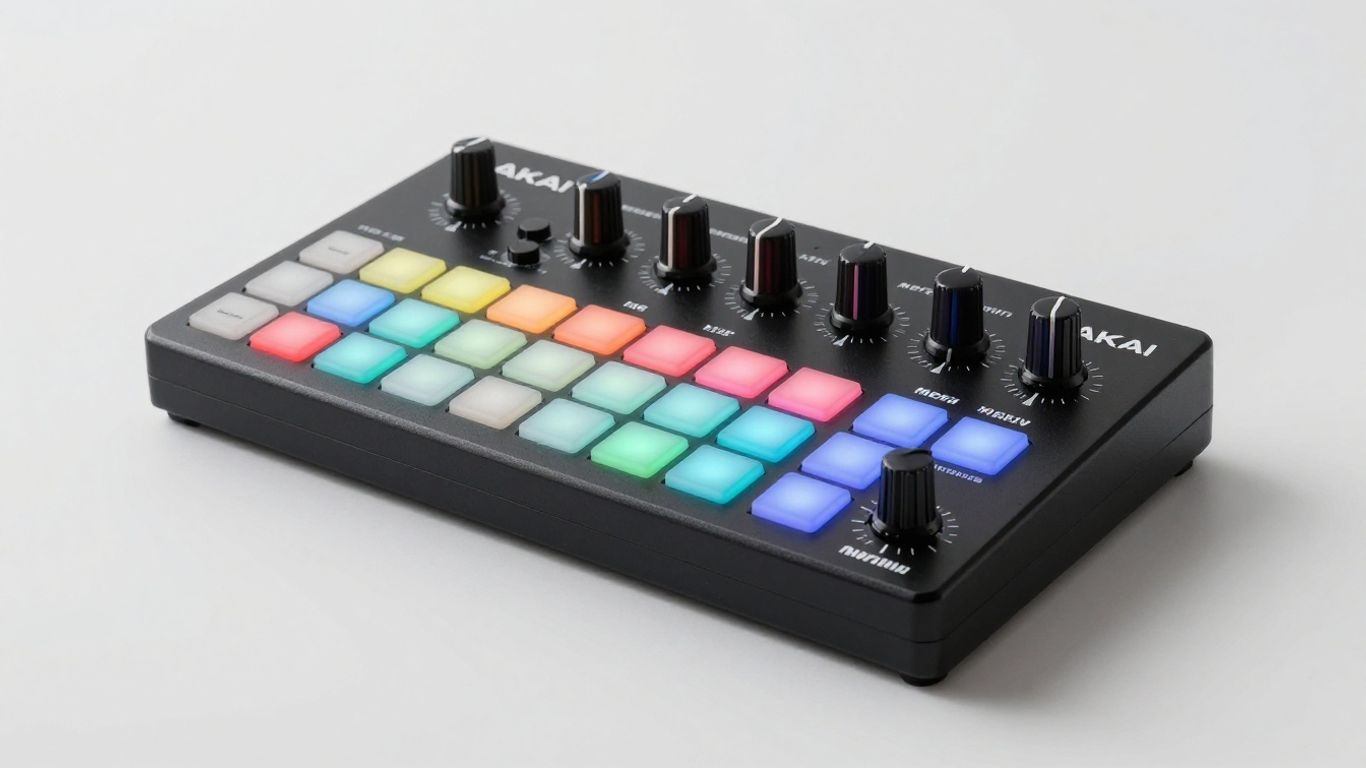
- The AKAI MPK Mini MKIV offers an all-in-one desk solution with arpeggiators, chord modifiers, and tactile macro knobs to bring your digital productions to life.
Getting comfortable with your gear
The goal is always to keep the creative process moving without getting bogged down by technical headaches. We love the "zero friction" approach, and that starts with your setup. The AKAI MPK Mini MKIV is one of those pieces of gear that just works. Whether you are a bedroom producer or a seasoned pro, the ability to snap your notes to a scale or trigger complex chords with one finger means you spend less time clicking a mouse and more time actually feeling the music.
Setting it up is surprisingly straightforward. You just grab the InMusic software, register your device, and everything—from virtual instruments to drum kits—is ready to go in minutes. It’s the kind of simple, no-nonsense workflow we appreciate at the studio.
Why controls matter for your sound
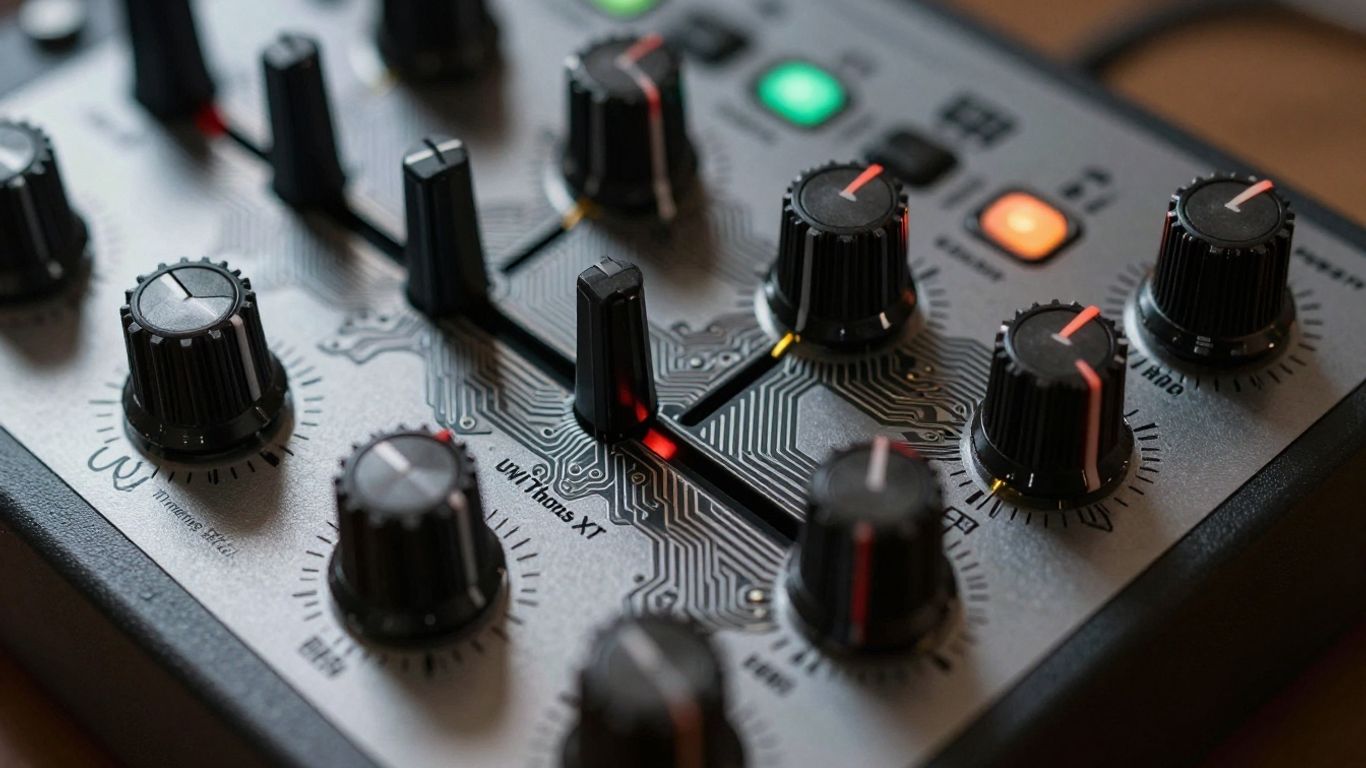
When you are making an uptempo dance track or an experimental beat, you do not want to be menu-diving for every tweak. The MPK Mini MKIV has eight macro knobs that, once mapped, give you instant control. If you are using Logic Pro, the included scripts handle most of the heavy lifting.
Here are a few quick ways to use those controls during your session:
- Pitch and Modulation: Use the wheels to add human-like expression to your basslines.
- Macro Knobs: Automate filters for sweeps or create morphing sounds during your buildup sections.
- Drum Pads: Use these to trigger one-shots, samples, or to experiment with real-time note repeats for instant hi-hat patterns.
Workflow tips for producers
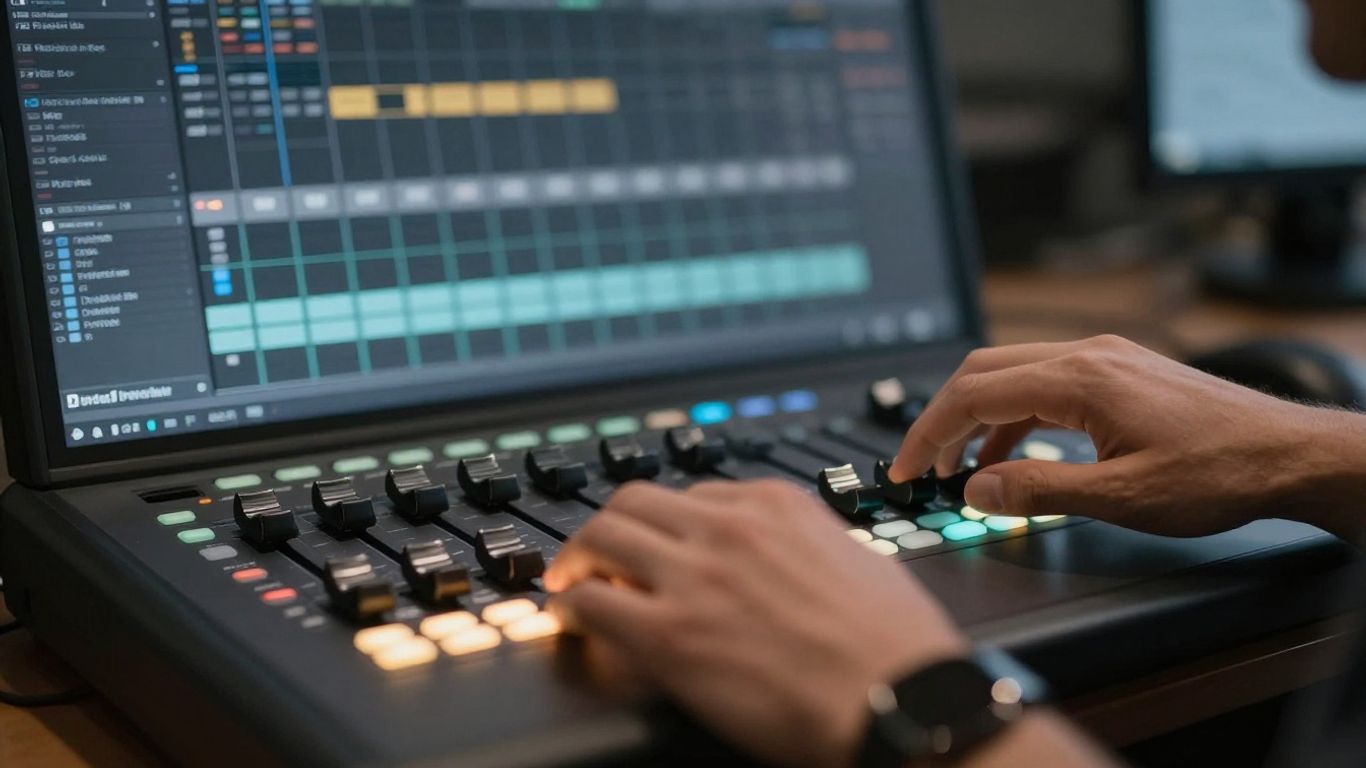
If you are struggling to get your song sitting right, try separating your MIDI recording from your automation passes. It’s easier to get the perfect performance on the keys when you aren’t worrying about twisting knobs at the same time. Once you have your core idea down, go back and add that movement.
For those moments when you need a professional touch, we provide a space here in Santa Monica that handles the heavy lifting for you. We keep things transparent, all-inclusive, and relaxed—with live plants and a baby grand piano to keep the vibes high. You handle the performance, and we take care of the rest.
| Feature | Benefit |
|---|---|
| Chord Mode | Easily explore major and minor scales |
| Scale Snapping | No more wrong notes |
| Note Repeat | Instant rhythmic patterns for drums |
| Pre-mapped scripts | Works instantly with Logic Pro |
Whether you are building your own home setup or looking to record in a space designed for clarity and soul, the tools you choose should always serve the song. When the gear feels right, the takes just sound better.
Book the Rainforest Room — vocals from $200/2hr — or send stems for our Mix service.