Sonible Smart:Reverb 2 - Is This The Future of Reverb?
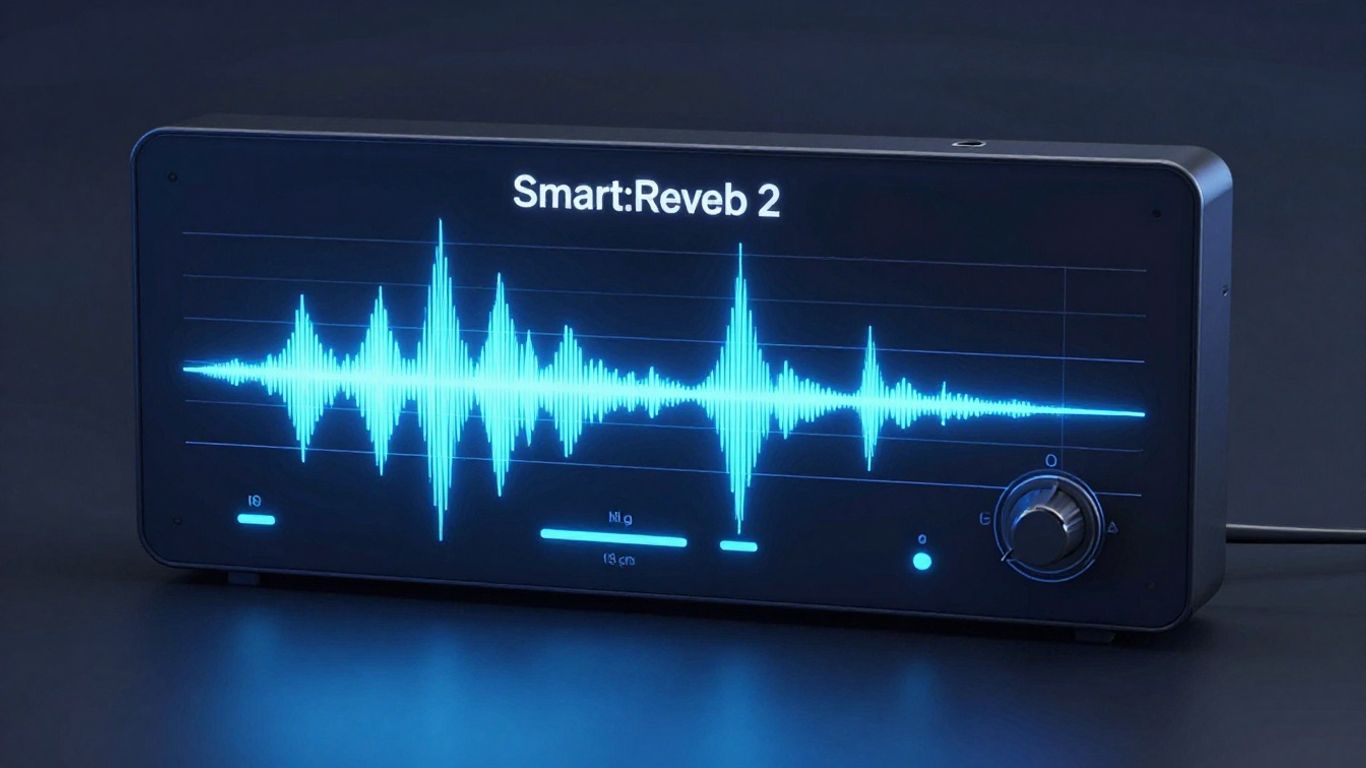
Sonible has dropped their latest reverb plugin, Smart:Reverb 2, and it's got people talking. Promising to be revolutionary, this new tool aims to make reverb placement in your mix easier than ever before. It’s built on the idea of AI helping you dial in the perfect reverb, much like their other plugins, but with some new tricks up its sleeve.
Key Takeaways
- Smart:Reverb 2 uses AI to analyze audio and suggest fitting reverb settings.
- A standout feature is its ability to manage multiple reverb instances in a group, preventing them from clashing and keeping mixes clear.
- The interface is designed for simplicity, with core controls like Distance, Size, Width, Color, and Clarity.
- It offers manual override options for fine-tuning the reverb's spectral characteristics.
- The plugin allows for grouping tracks to manage their reverbs collectively, creating a cohesive atmosphere.
First Impressions And The Tour
When you first open up Smart:Reverb 2, it’s clear Sonible is sticking to their guns with the AI-driven approach. Like its predecessor, it listens to your audio and figures out a reverb that should fit. This isn't just about slapping a reverb on a track; it's about making it sit right in the mix. The big new thing they’re pushing is the group mode. The idea is that when you have multiple instances of the plugin working together, they won't fight each other. This sounds pretty wild, and honestly, I’m not sure how to even test that properly. Have you ever heard of a reverb that can actually stop other reverbs from clashing? It’s a bold claim.
The user interface is pretty straightforward. You’ve got your main controls, and then there’s this spectral thing for more detailed tweaking, kind of like what you see in EQ plugins. But the real simplicity comes from the core controls: Distance, Size, Width, Color, and Clarity. Most reverbs can get super complicated with a million knobs, but this one tries to keep things manageable, at least on the surface.
Putting It To The Test
We took the plugin for a spin on a track called "Oceans" by Davia. The audio was pretty raw, straight from the mics, which is a good way to test how a reverb handles different sources. We started with the snare drum.
- Snare Drum: After a bit of a wait (it’s a “slow learner,” apparently), the plugin generated a reverb. We could solo the snare and hear what it did. There are controls for width, and you can blend different reverb types, like going for a roomier sound. You can also manually shape the reverb, which is nice for getting it just right.
- Acoustic Guitar: Next, we added the acoustic guitar to the group. This is where the group mode really comes into play. You can see the different tracks in the group, and the plugin seems to adjust things based on what else is in there. We could solo the guitar's reverb and tweak it, trying out different spaces like halls and plates, and adjusting the width.
- Piano: For the piano, we told the AI it was an acoustic key instrument. Again, the plugin generated settings, and we could play with the width and other parameters.
- Lead Vocal: Adding the lead vocal was the next step. The plugin tried to figure out where to place it, suggesting a lower position with a bit more clarity. It’s interesting to see how it handles the main vocal in the mix.
The Grouping Magic
The grouping feature is definitely the star of the show here. You can add multiple tracks to a group, and the plugin works to make sure their reverbs don't overlap or sound messy. It’s like having a reverb designer for your whole session. You can see all the grouped tracks and their reverb settings at a glance. This really helps in creating a cohesive atmosphere for the entire song, rather than just treating each reverb in isolation. You can adjust how far back the reverb sits for the whole group, which is a neat way to control the overall depth.
Source Adaptation: The Real Deal?
One of the most intriguing parts is the "source adaptation." You can turn this on or off. When it's on, the plugin makes the reverbs work together, almost like sending everything to one big, cohesive reverb space, but with individual control. When you turn it off, the reverbs sound more separate, more like traditional, distinct reverb units. The reviewer found that when source adaptation was on, it sounded like all the elements were blended into a single, unified reverb space, which was quite impressive. Turning it off made the reverbs sound more distinct, like separate analog units. The ability to choose between these modes is a big creative plus, letting you decide if you want that unified sound or more separation.
TL;DR Verdict
Smart:Reverb 2 is a genuinely different take on reverb plugins. The AI smarts are helpful for getting a starting point quickly, but the real game-changer is the group mode and source adaptation. It makes managing multiple reverbs and creating a cohesive soundstage much easier. It’s not just another reverb; it feels like a new tool for mixing.
What it does: It uses AI to suggest reverb settings and, more importantly, manages multiple reverb instances across different tracks to prevent clashes and create a unified mix atmosphere.
Pros:
- Intelligent Grouping: Prevents reverb clashes between tracks, keeping the mix clear.
- Simple Interface: Easy-to-understand core controls.
- Creative Control: Offers manual overrides and the choice between unified or separate reverb sounds via source adaptation.
- Cohesive Atmosphere: Helps create a consistent reverb space across the entire song.
Cons:
- AI Learning Curve: The initial analysis can take some time.
- Marketing Focus: Sonible tends to focus heavily on the AI features, sometimes overshadowing the underlying DSP quality.
Who should buy: Producers and engineers who struggle with reverb management, want to speed up their workflow, or are looking for a new creative way to build atmosphere in their mixes. If you find traditional reverbs too complex, this could be a great option.
Alternatives: While not exactly the same, other smart EQs and channel strips with AI features offer some similar workflow benefits. For traditional reverb, look at Valhalla DSP plugins, FabFilter's Pro-R, or Eventide's reverbs, though they lack the intelligent grouping.
Or get a human ear on it — $250/track mastering at Paradise, 3 revisions.