Stop Losing Audio Quality: The Pro Engineer's Guide to Freezing Tracks
Ever wonder if freezing your tracks in your DAW actually hurts your sound? This video tackles that exact question, explaining how a working pro engineer approaches saving processing power without sacrificing audio quality. It's all about understanding the tools and workflows available to you.
Key Takeaways
- Freezing tracks in a DAW has no negative impact on audio quality. The sound remains identical.
- The primary benefit of freezing is saving CPU power, especially useful for large sessions.
- A professional engineer might choose not to freeze tracks due to an "analog mindset," preferring instant tweakability.
- While freezing is a powerful in-the-box tool, it's not practical for analog mixing workflows where printing is required for changes.
Freezing Tracks: Quality vs. CPU
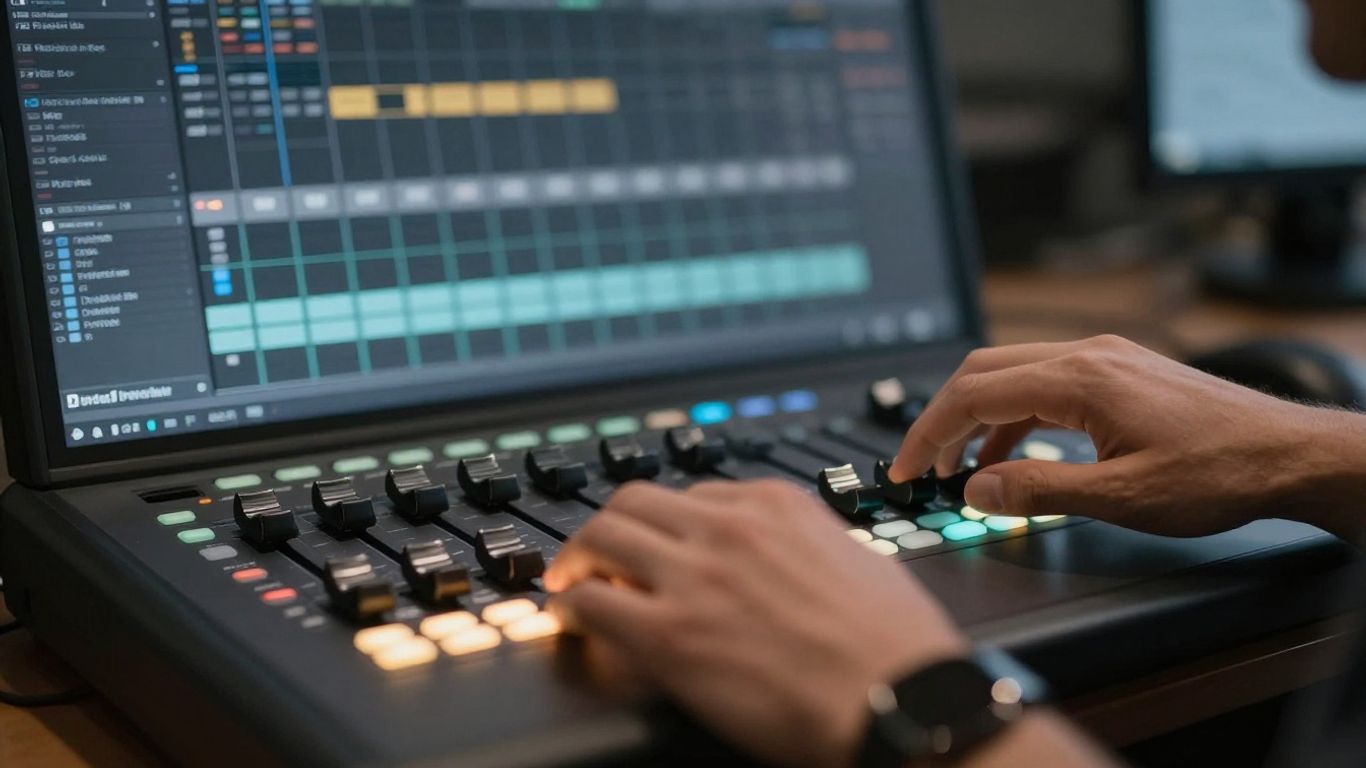
Let's get straight to the point: if you're mixing entirely "in the box" (meaning all your processing is done with plugins inside your Digital Audio Workstation), there is absolutely no downside to freezing individual tracks or subgroups to save processing power. The audio quality will remain exactly the same. This is a huge benefit of digital mixing, allowing you to manage your computer's resources effectively.
Think of it like this: when you freeze a track, you're essentially rendering that track with all its effects applied. This creates a temporary audio file that your CPU doesn't have to process in real-time anymore. It's a built-in feature designed specifically for this purpose, and it works perfectly.
The Analog Mindset: Why Some Pros Don't Freeze
So, why might a seasoned engineer, like David Gnozzi, choose not to freeze tracks even when mixing in the box? It often comes down to workflow and a preference for immediate control, similar to working with hardware. If you're used to the tactile feel of analog gear, where every knob turn is instant and you can tweak anything at any moment, the slight delay of unfreezing a track might feel like too much.
David mentions his "analog mindset" as a reason. He likes to be "one second away from tweaking something." Even if unfreezing takes only 20 seconds, for someone who reacts very quickly to sonic details in a mix, that's 20 seconds too long. The goal is to maintain that hardware-like responsiveness, where you can just reach out and adjust.
When Freezing Becomes Necessary
While David personally avoids freezing due to his workflow preference, he acknowledges situations where it's not just helpful, but necessary. He recalls a session that was causing glitches, not necessarily due to CPU overload, but because a specific plugin was acting up in real-time. Freezing tracks resolved the issue. This highlights that freezing isn't just about CPU; it can also be a troubleshooting step for problematic plugins.
The Difference with Analog Mixing
It's important to distinguish this from analog mixing. When you're using hardware processors, you can't just "freeze" them in the same way. If you print audio through an analog unit and then decide to change a setting on that unit, you've lost time. You have to re-record (re-print) the audio. This is why analog mixers tend to tweak everything until the mix is completely finished before committing to printing. You can't easily go back and adjust a single hardware setting after the fact without re-doing the work.
Conclusion: Embrace the Tools
For anyone mixing in the box, freezing tracks is a powerful and safe tool to manage your system's resources. Don't hesitate to use it if your session starts to feel sluggish or if you encounter strange glitches. While the "analog mindset" prioritizes instant tweakability, the reality of digital mixing offers solutions like freezing that don't compromise your sound. It's about using the tools available to make your mixing process smoother and more efficient.